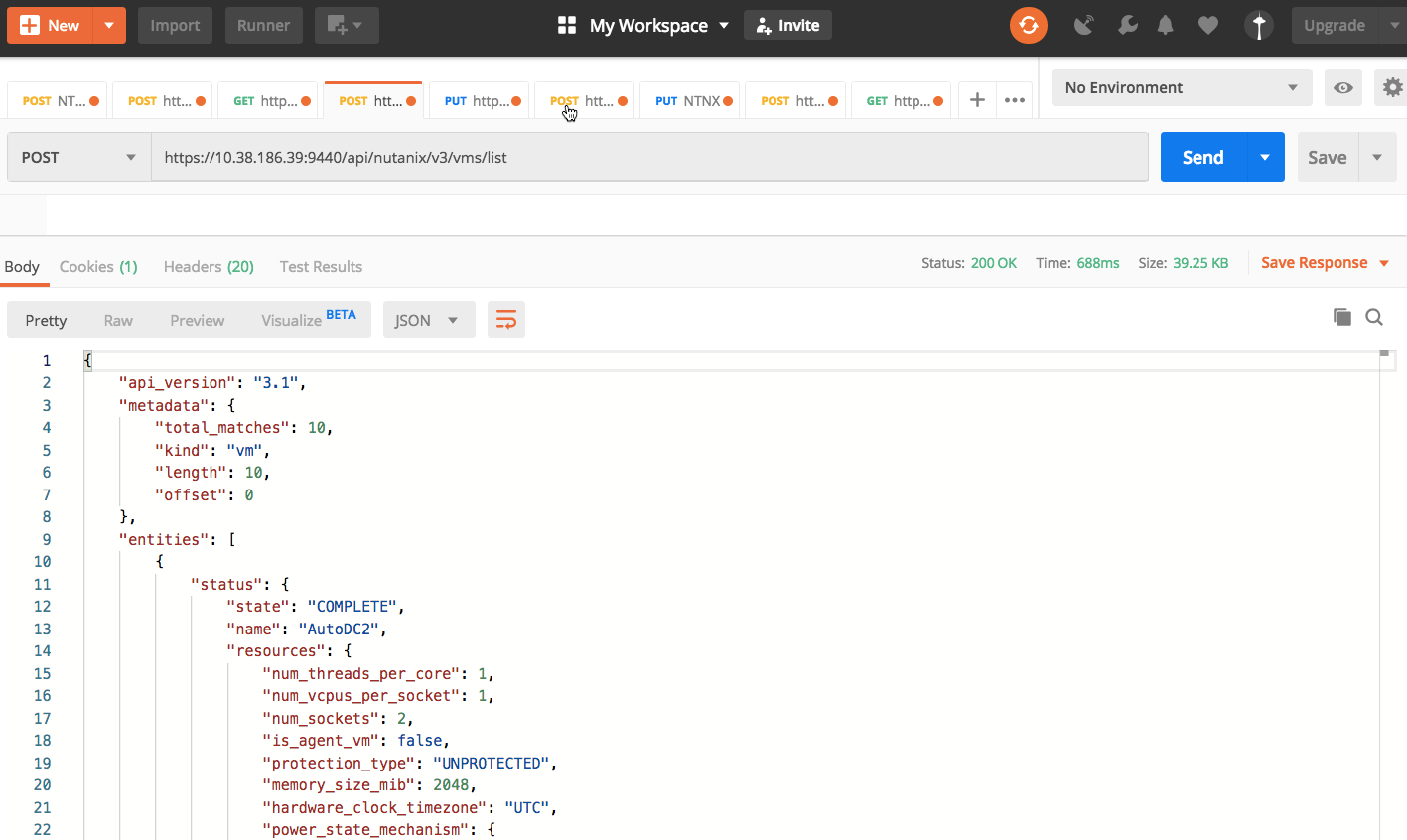
API: List of VMs
Overview
In this exercise you will list all VMs on the specified cluster.
Note
Estimated time to complete: 5 MINUTES
Exercise: List the VMs
Click + in the main window to create a new tab-window
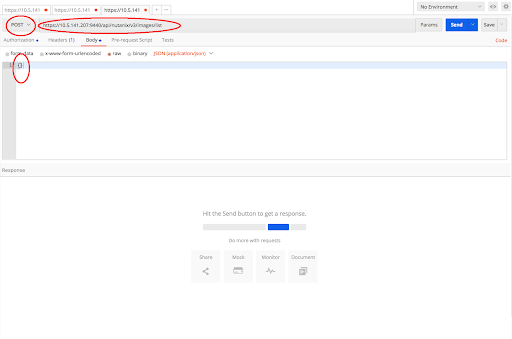
Click the dropdown and select POST
v3 standardizes on POST for listing to offer server-side filtering, grouping, and sorting
Enter the URL to list images
https://{{prism_central_ip}}:9440/api/nutanix/v3/vms/list
Configure basic authentication for this API call
Follow the same steps from the first exercise
v3 conforms to HTTP as a stateless protocol such that each API call is authenticated
Set the media type to application/json
Follow the same steps 5 from the first exercise
Fill out the body
Click the Body tab
Copy or type an empty dictionary in the json body as seen below
{}
Click Send to submit the v3 API call
The intent response provides an array of VMs