Karbon: Delete an Application
Overview
Once every while you may need to delete the application that has been created.
In this lab we show how you can delete a created application and Kubernetes cluster.
Note
The following actions can not be undone!!! If running this in a production environment be very careful.
Deleting an application
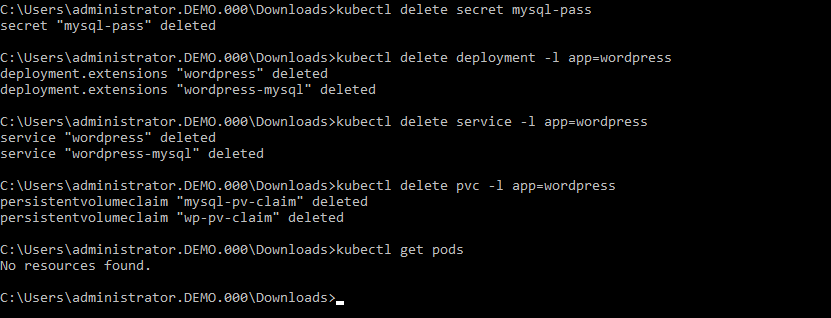
From the command line we will run the kubectl command to delete the created password, application, service and the persistent storage that we created earlier.
Run the following commands from the command line:
kubectl delete mysql-pass

kubectl delete deployment -p app=wordpress

kubectl delete service -l app=wordpress

kubectl delete pvc -l app=wordpress
You can check to see if the pods are deleted by running the following command:
kubectl get pods
There should be no resources shown.
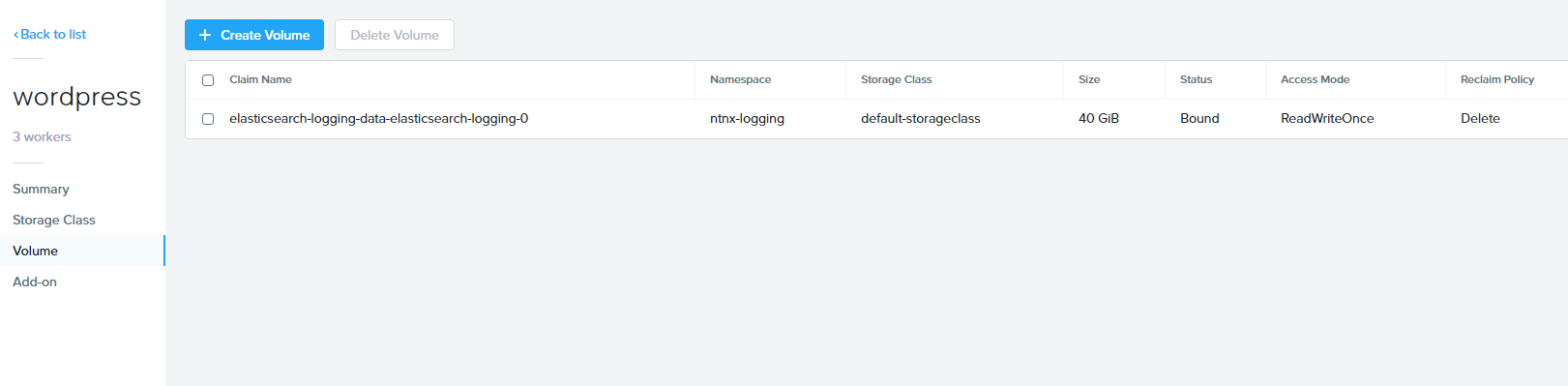
In the Karbon UI, under the properties of the wordpress-*initialsLowerCase* -> Volume, there should only be one Claim name called elasticsearch-xxx.
The earlier created claims should be gone.
Deleting the Wordpress Cluster
Deleting the cluster is almost as easy as deleting a Virtual Machine.
In the Karbon UI, select your “wordpress-initialsLowerCase” cluster.
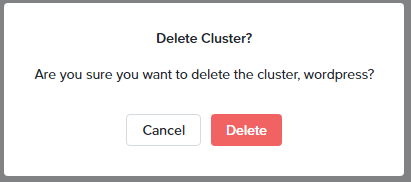
Click on the Delete Cluster button.

Accept the Warning message that pops up by clicking Delete.
You have now deleted your Karbon Kubernetes cluster.